
Case Study
ThoughtRipple
A publishing home I designed and built — from a blank account to a live post, on a laptop or a phone.
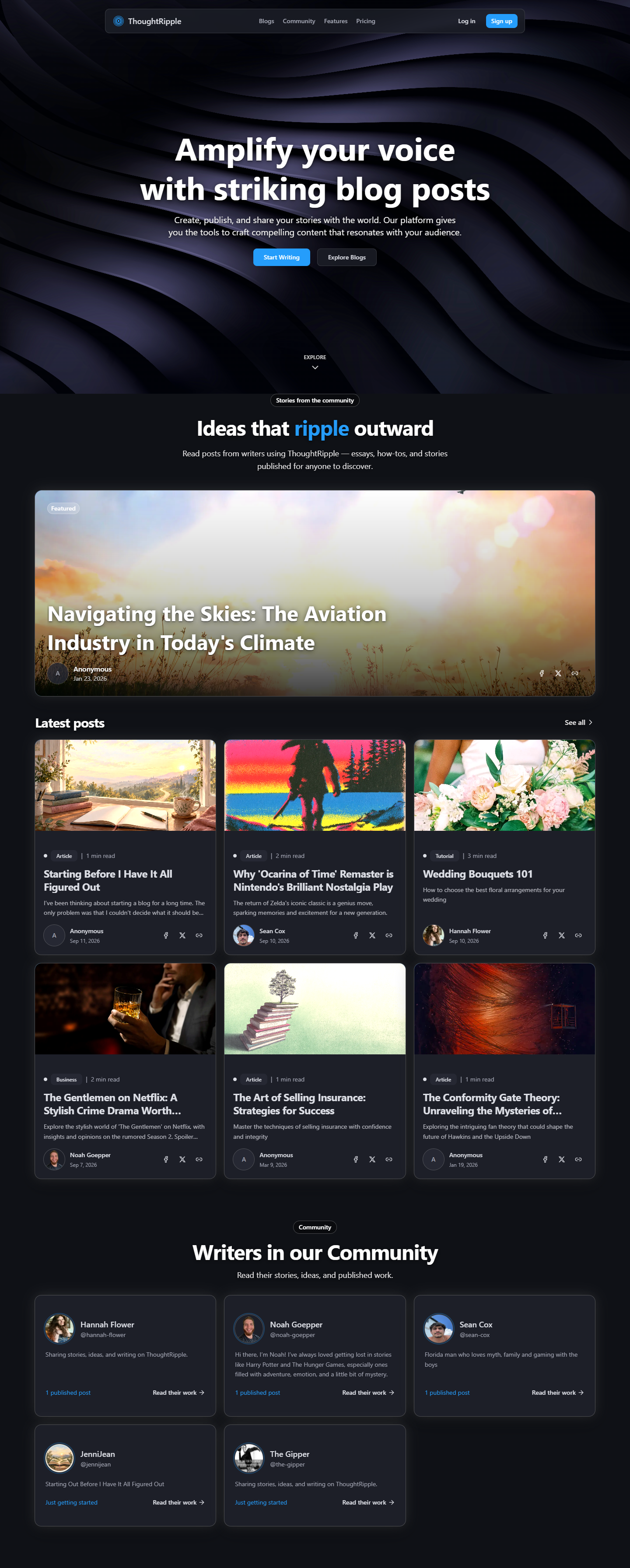

ThoughtRipple is a publishing home I built with Cursor. Human designed, AI built — I chose how it should feel, then brought it to life. You land in an editor, publish when you’re ready, and share a page that still sounds like you.
The Problem
A lot of platforms put ads on your work, or decide what you’re allowed to say. Writers need a home where the work can stay theirs — a quiet desk, and a page you’d be happy to send.
The Solution
ThoughtRipple is that home: uncensored and ad-free. Start from a blank page or a short description. It feels the same in your pocket as it does at a desk.
- Tools
- Cursor
- Next.js
- shadcn
- Supabase
- Stripe
- Resend
- GitHub
- Vercel
- Process
- Discover
- Ideate
- Design
- Build
- Test
- Launch
- Learnings
- My Role
- UX Engineer
- Project Manager
- Solo
- Timeline
- End-to-end build
- Ongoing
Step 1 of 7
Discover
What I wanted
I started with what I wanted as a writer: a short path from an idea to a page other people can read.
- A dashboard that feels like sitting down to write.
- A public page you’d be happy to send.
- Help on the blank page, without handing the piece over.
Questions I kept close
I was the first user. I kept a few questions nearby so the product stayed about writing.
- QWhat does someone need to finish a post today?
- AAn account, an editor, a cover if they want one, and a way to publish.
- QWhere does AI help?
- AA short description can become a draft. Chat is there to think out loud. The voice stays yours.
- QWhat should feel easy to trust?
- ASigning in, billing, and the first welcome email. That’s why accounts, payments, and mail are part of the product.
Looking around
I spent time with Medium, Substack, Ghost, and WordPress, and with the AI writing apps. Sharing is easy on those sites. Owning the page is harder. I wanted a bit of both, with help that doesn’t take over the voice.
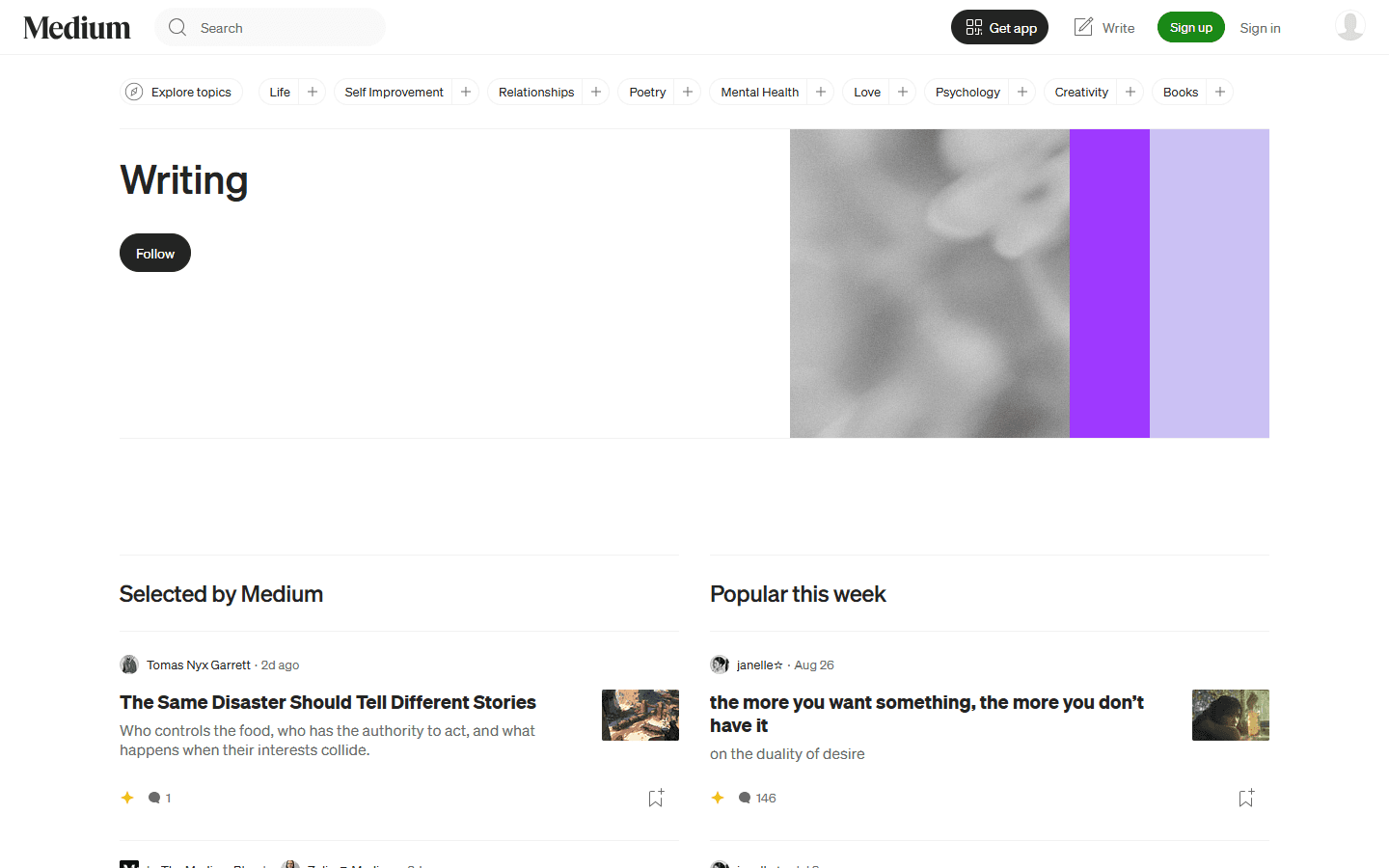

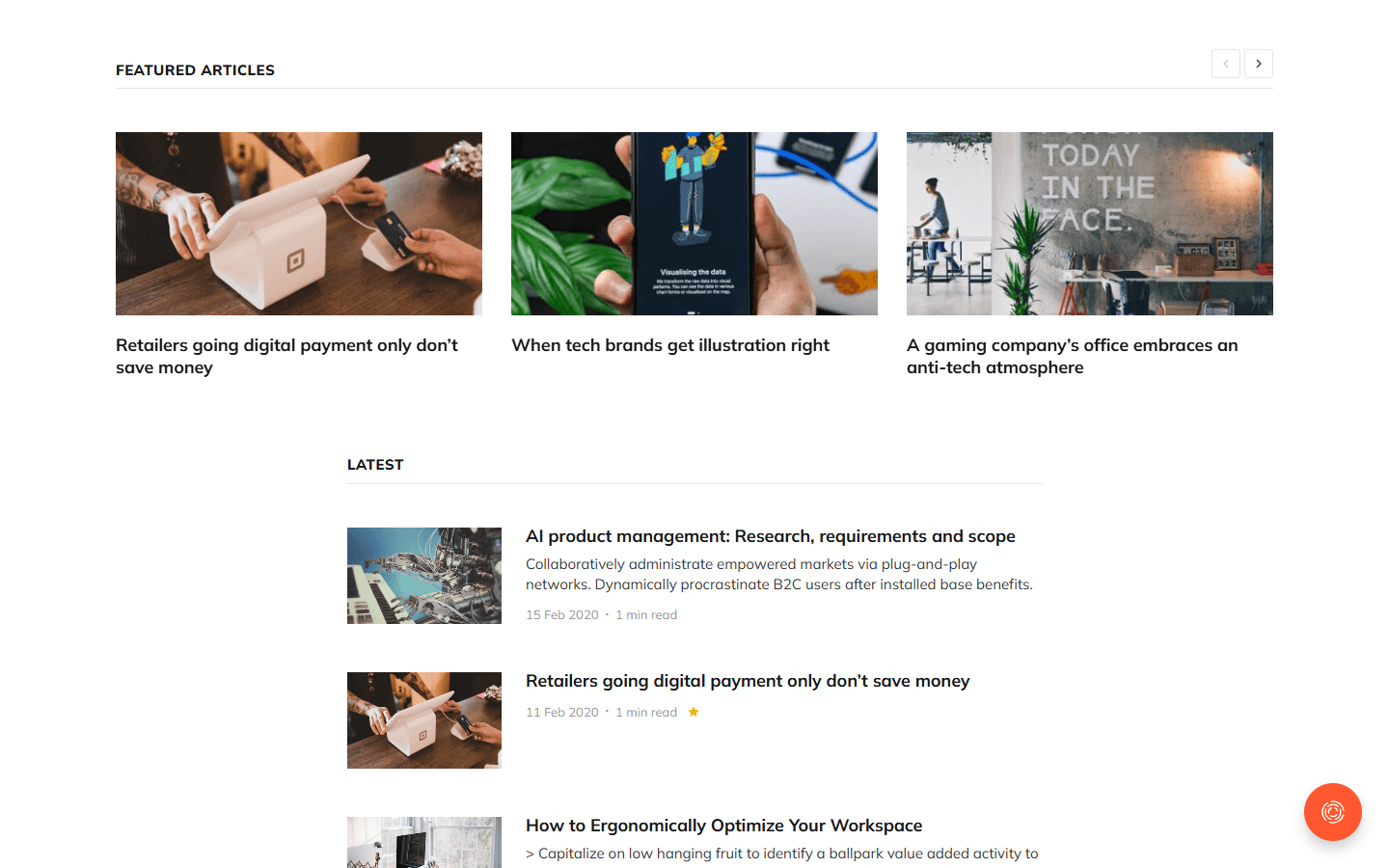
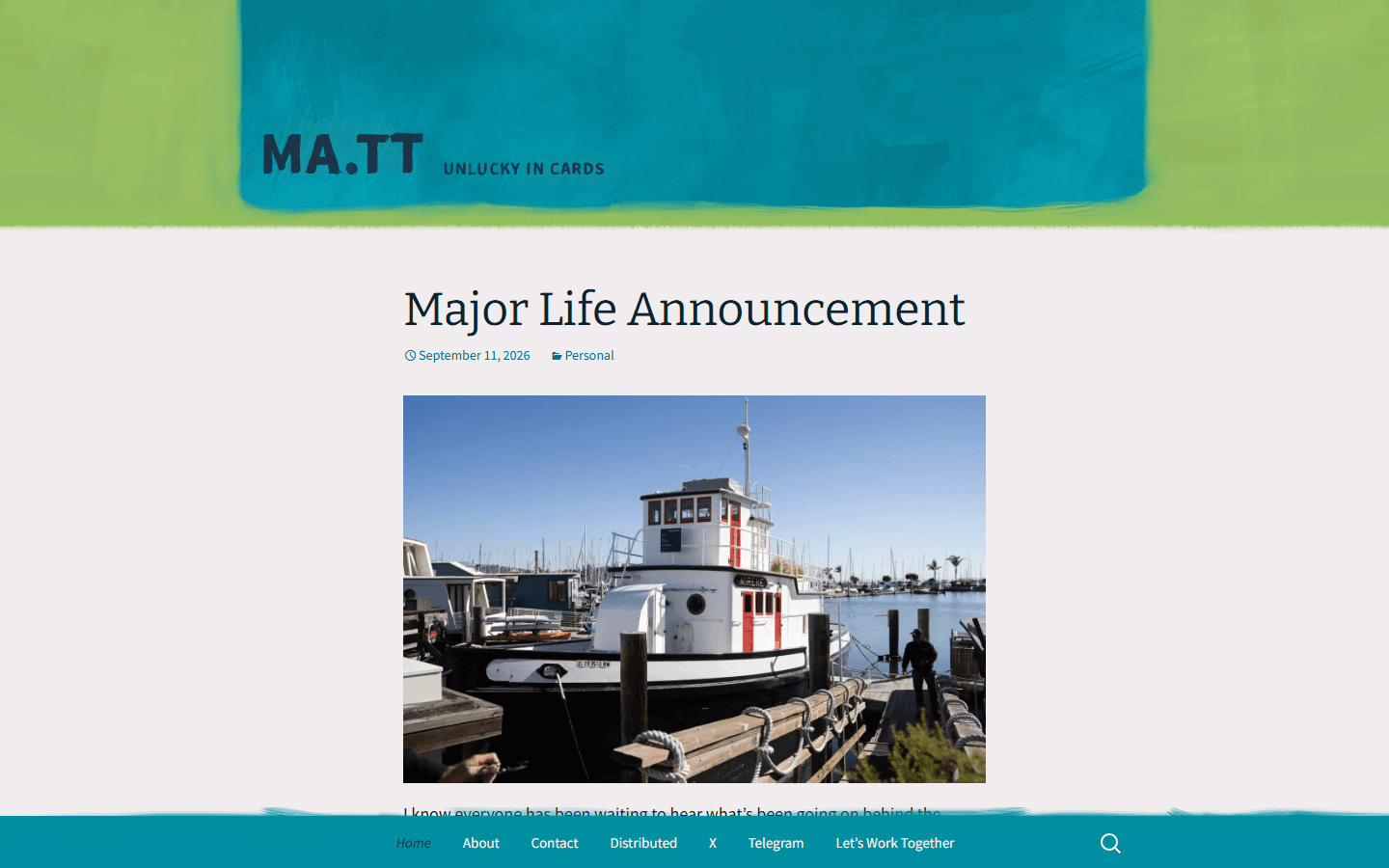
Medium
Step 2 of 7
Ideate
User stories
I wrote a handful of stories so I could try a few directions before picking one.
- As a writer, I want to create an account and land in a dashboard so I can start a post.
- As a writer, I want a blank editor, or a draft from a short description, so I can get moving.
- As a reader, I want a clean public post with a shareable link.
- As a writer, I want a free plan that publishes, and a paid plan if I want AI and more posts.
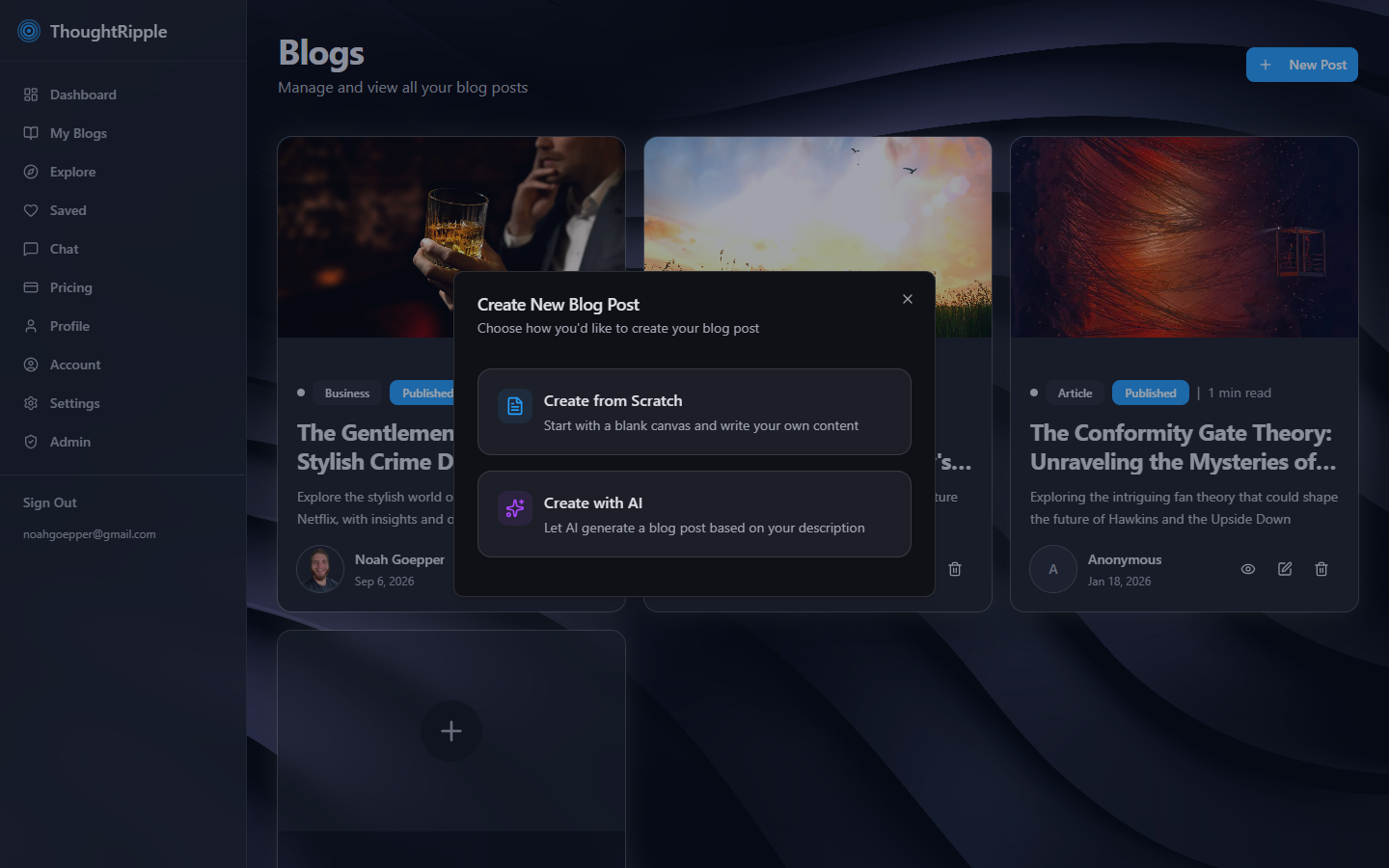
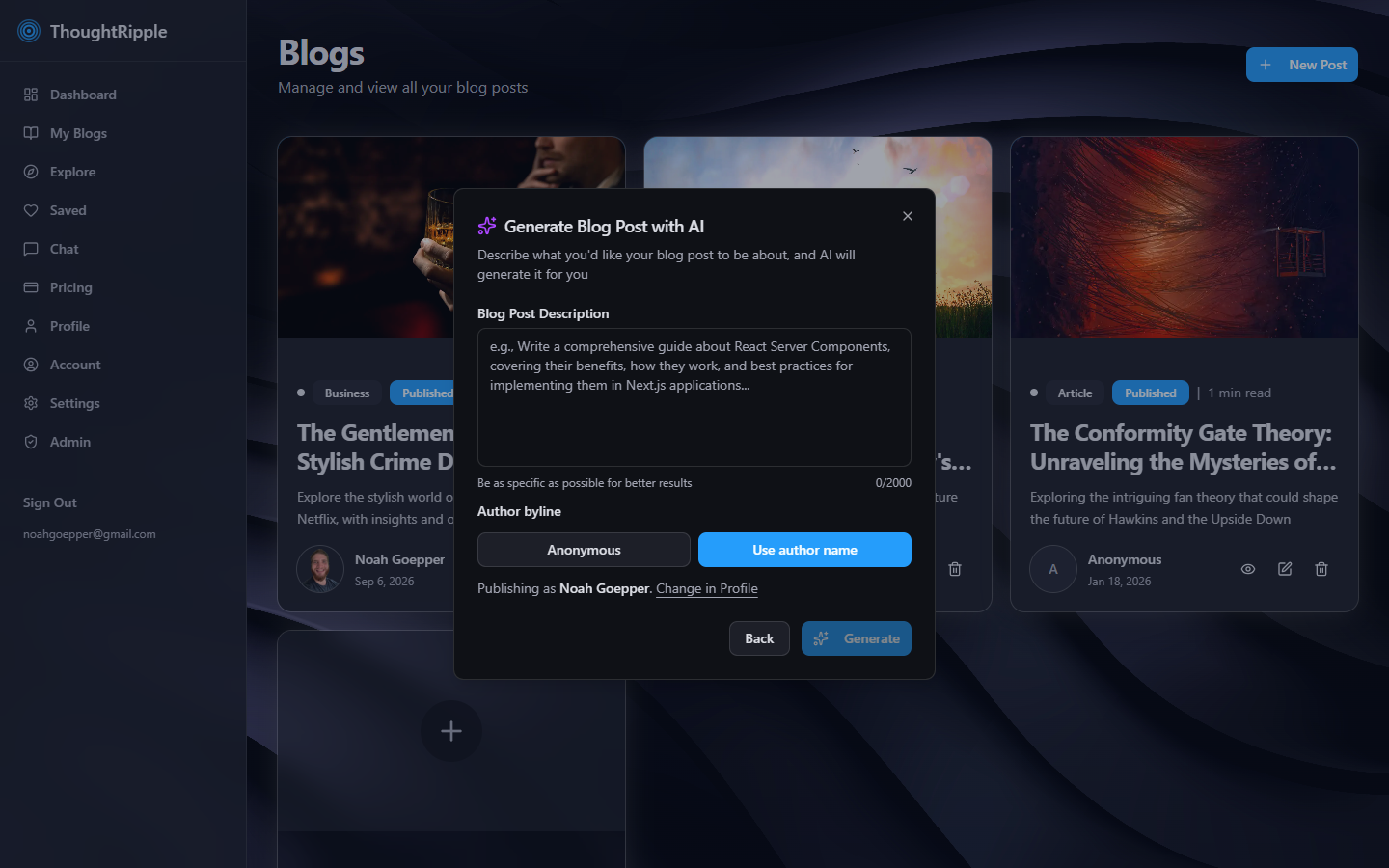
Two ways to start
New Post is the first real choice. Start from scratch, or describe the piece and get a draft if you’re on a paid plan. Either way, you land in the editor.
A plan you can grow into
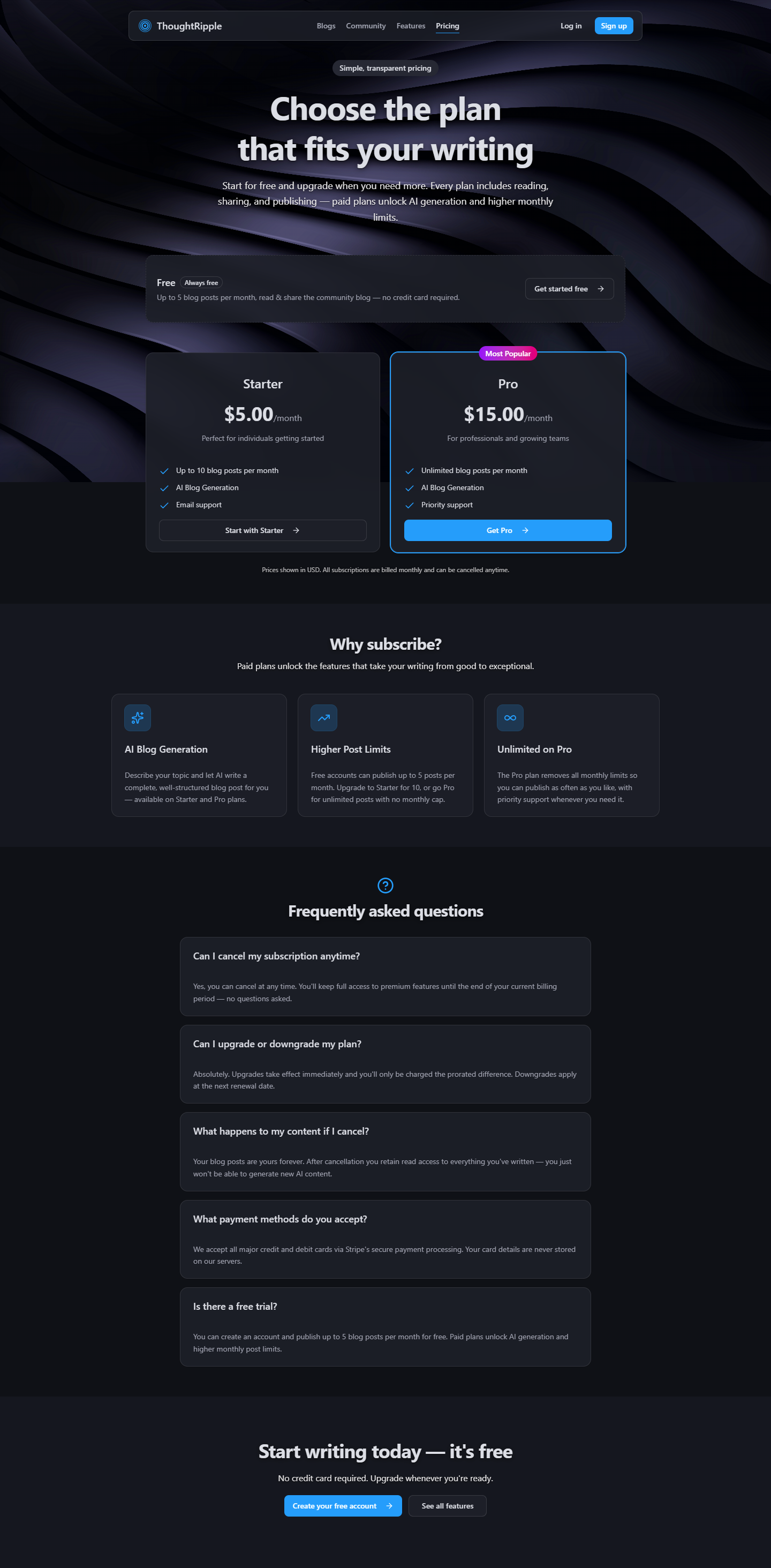
I wanted the free plan to be enough to begin. A few posts a month, no card. Starter and Pro add AI drafts and more room to publish.
- Free — 5 posts a month, community reading and sharing.
- Starter — 10 posts, AI drafts, $5 / month.
- Pro — unlimited posts, AI drafts, $15 / month.
Step 3 of 7
Design
A brand you can read
The public site is dark, with the ripple behind the words. Inside, the dashboard feels like a writing desk. Type, spacing, and the blue buttons stay familiar from the first page to the editor, so it all feels like one place.
Ink
Sky
Violet
Paper
Slate
A library I could make my own
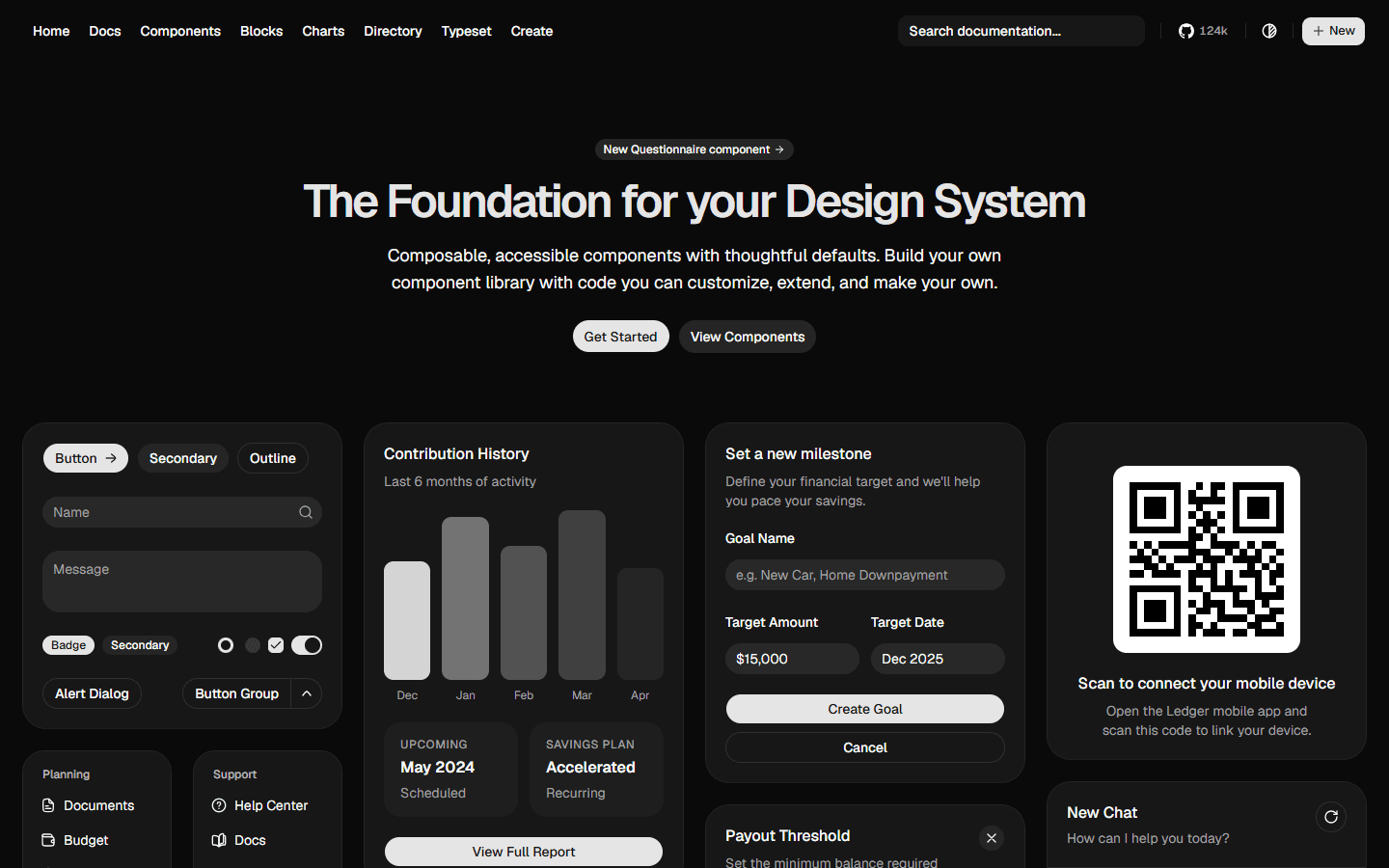
I didn’t want to invent every button myself. I linked the shadcn library into Cursor so those pieces were right there while I designed — buttons, dialogs, a sidebar I could restyle. Thoughtful defaults, made to feel like ThoughtRipple.
The writing desk
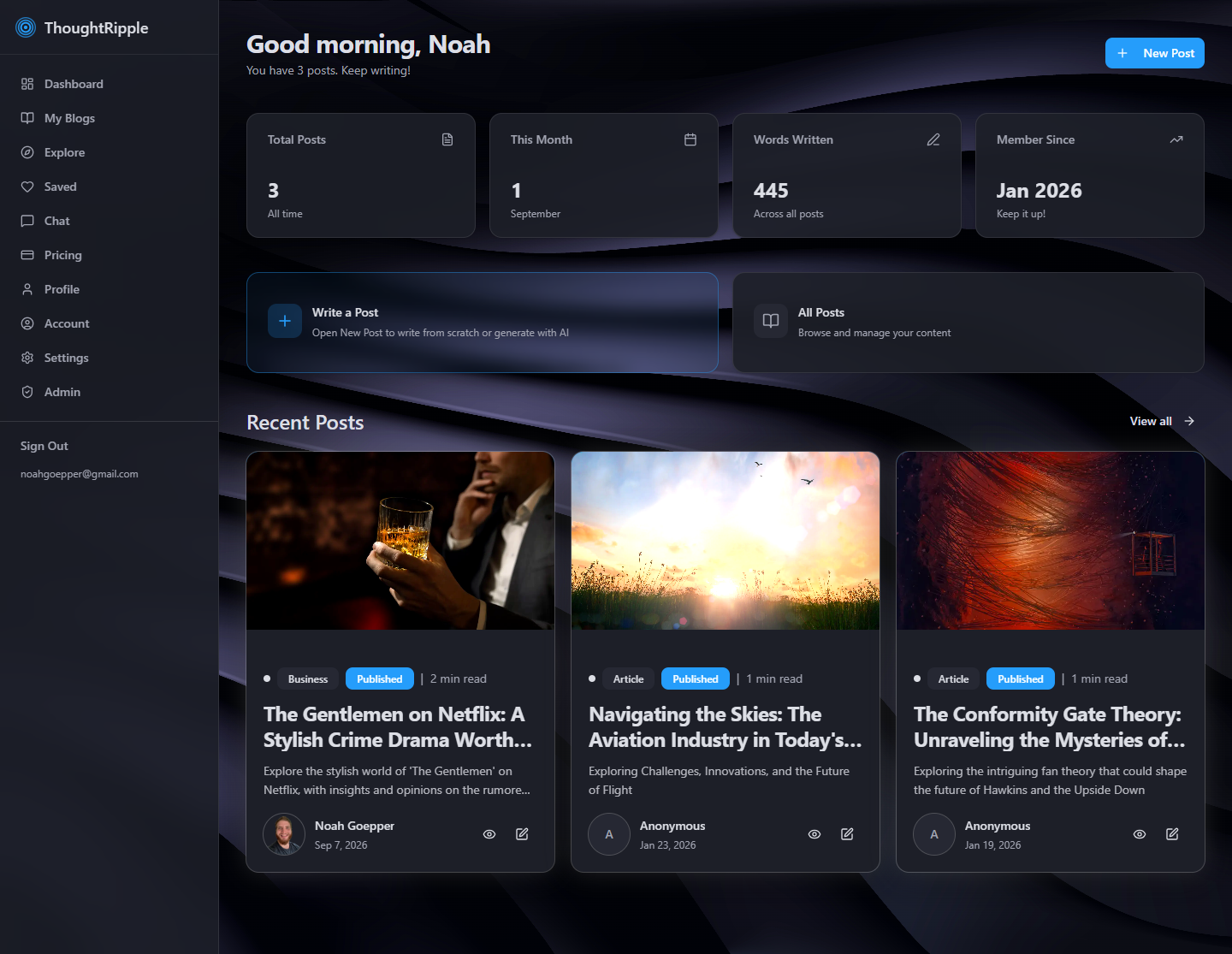
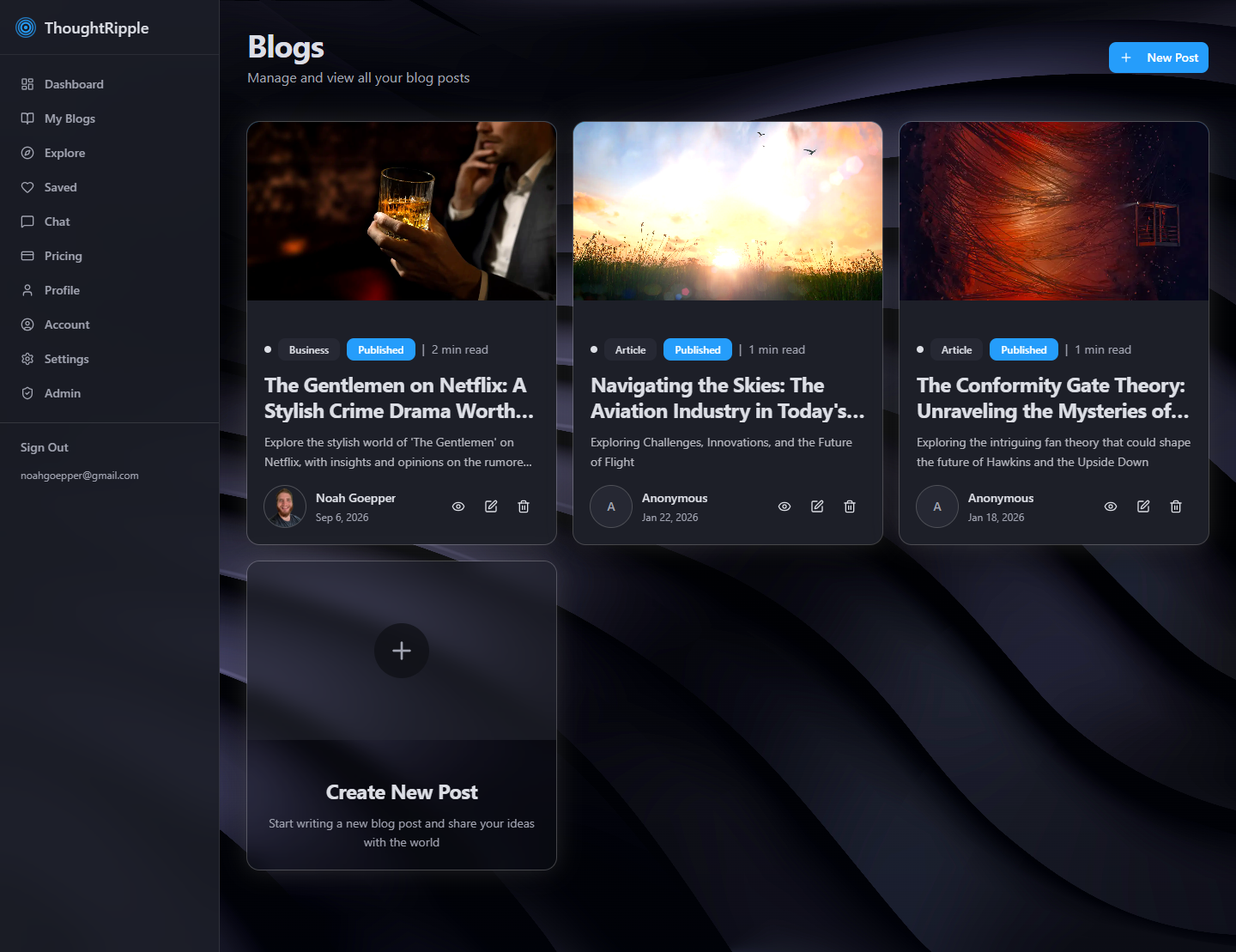
Once you’re in, the dashboard is the desk. Home shows your writing. My Blogs holds your posts. Explore, Saved, Chat, and billing live in the same sidebar, close at hand.
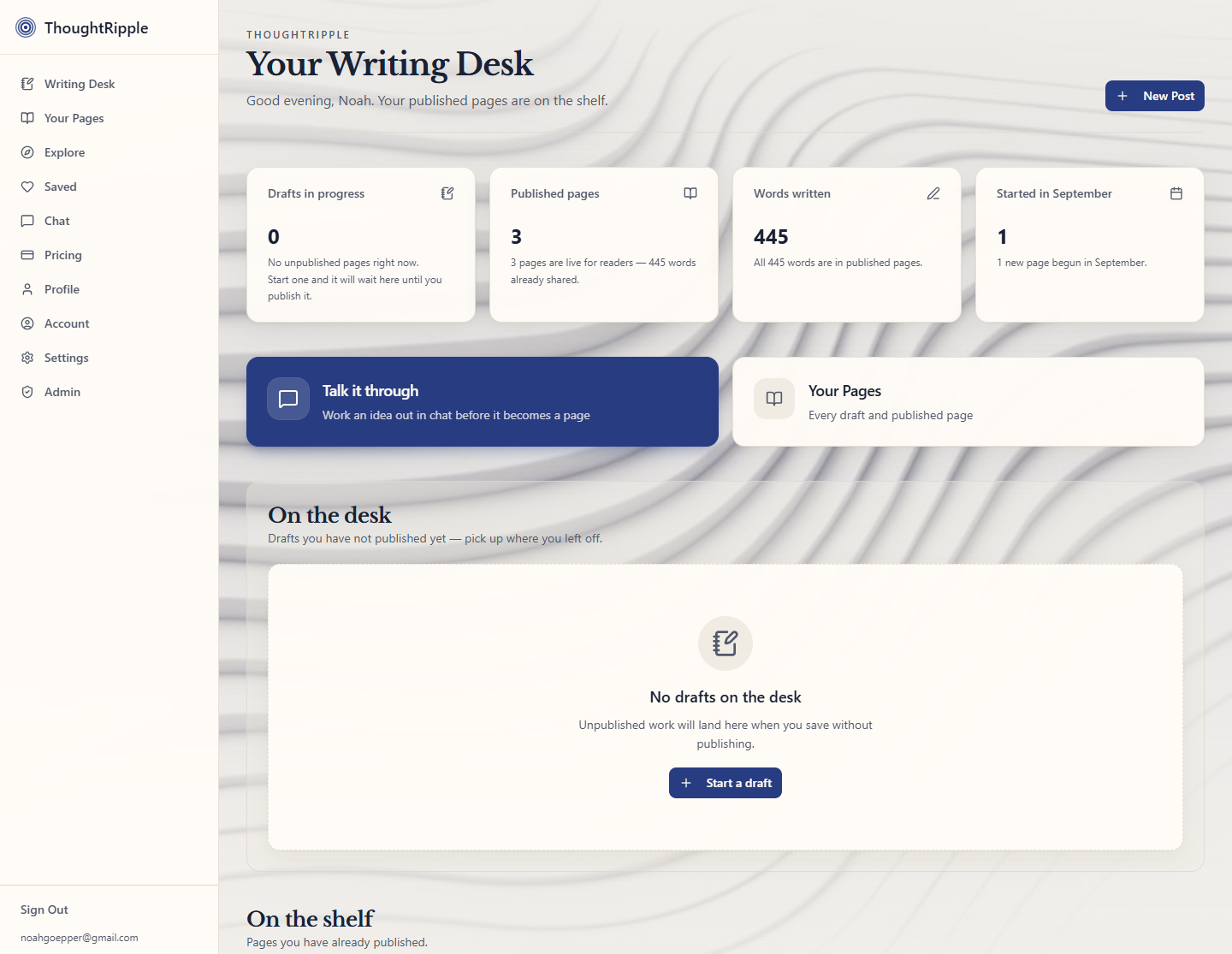
A desk that can go light
Inside the dashboard, you can switch to light if that’s nicer to write in. Shared posts stay on the dark ripple, so a link still feels like ThoughtRipple.
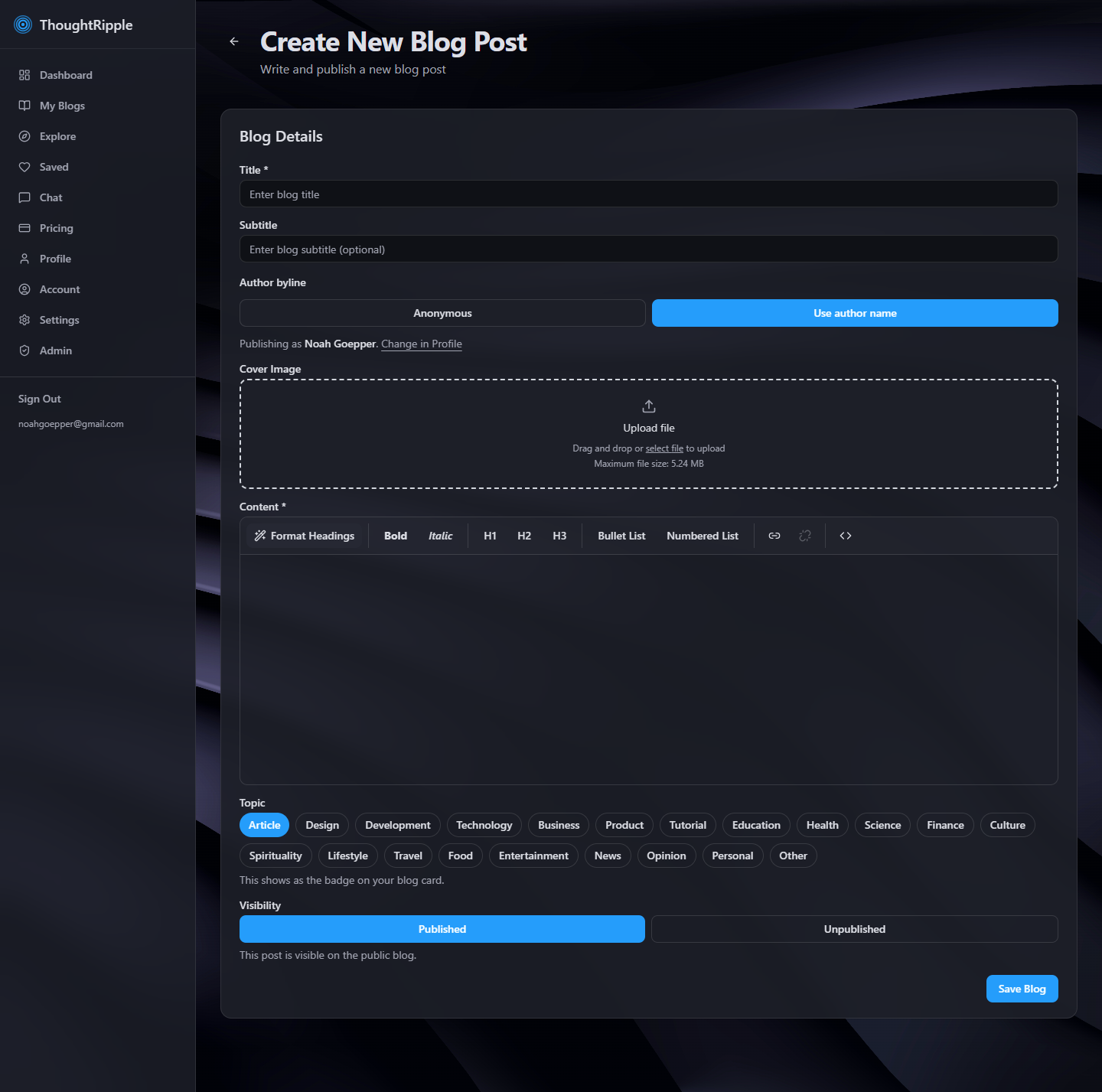
A real editor
Title, cover, topics, the words, then publish. This is where a draft becomes a piece you can send.
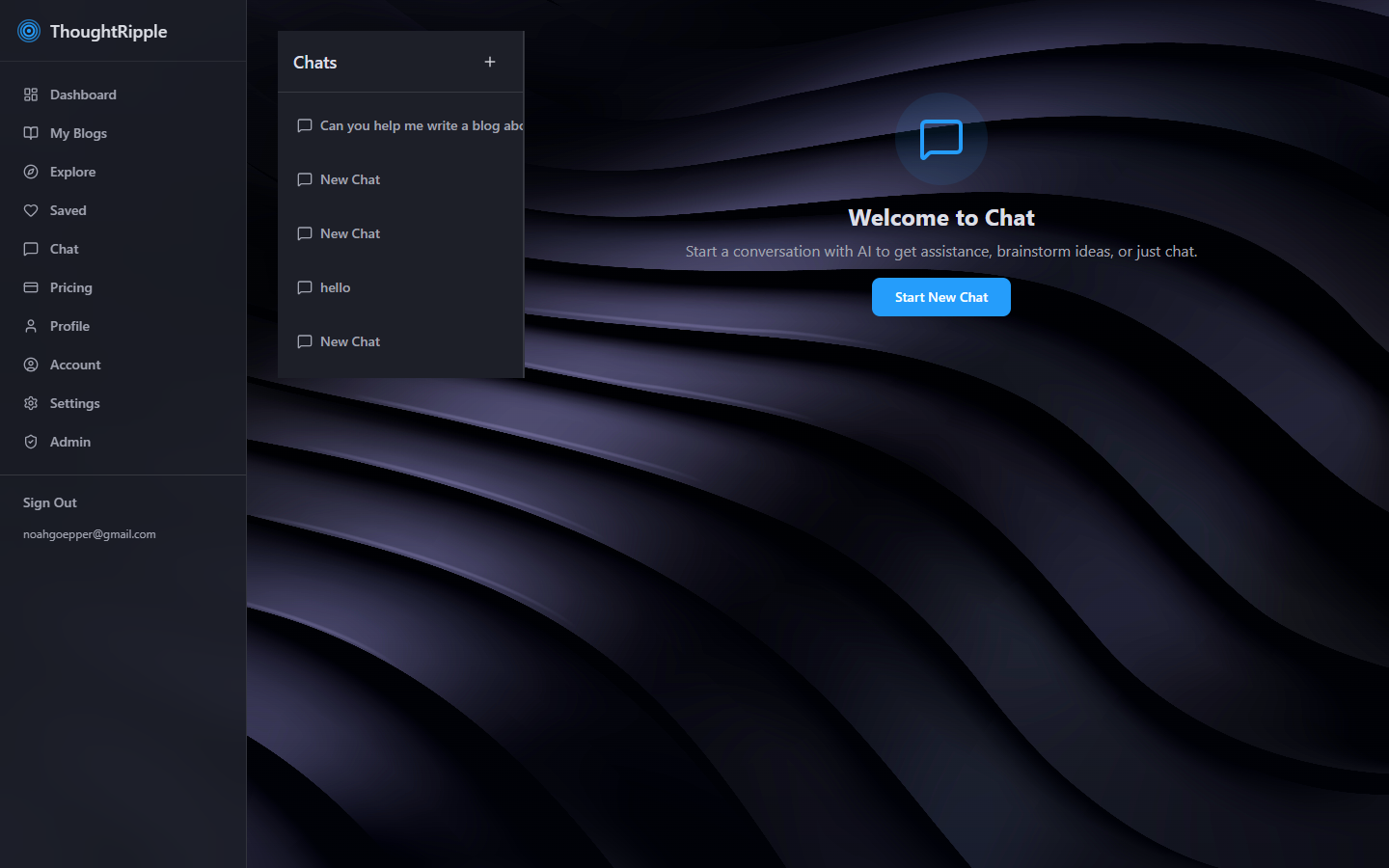
A little help on a blank page
Chat is there if you want to talk an idea through. Paid plans can also turn a short description into a draft. Either way, you finish the post yourself.
A post you can share
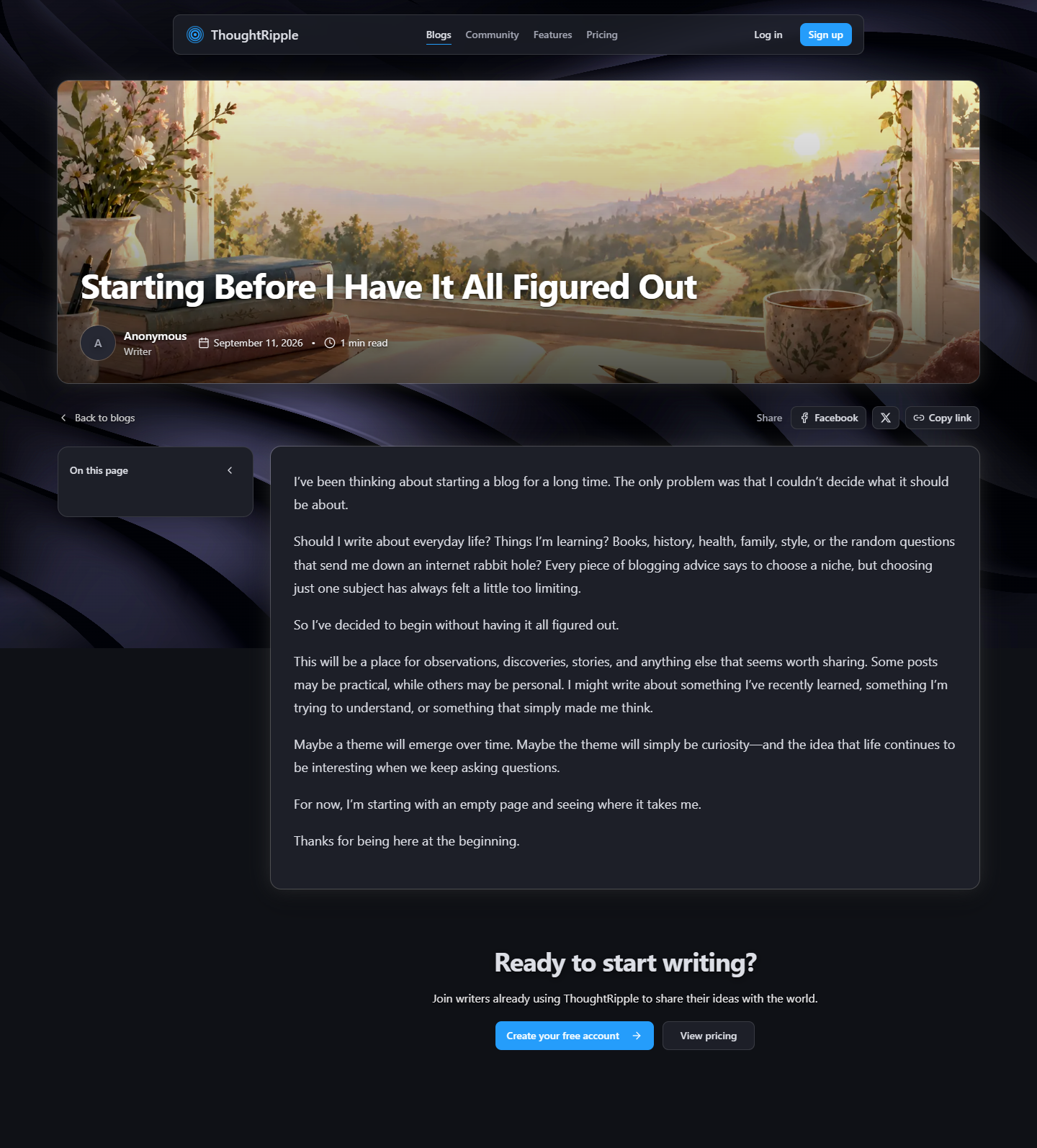
Publish, and it becomes a real page — cover, byline, a link. You can put your name on it, or stay anonymous.


Step 4 of 7
Build
Built with Cursor
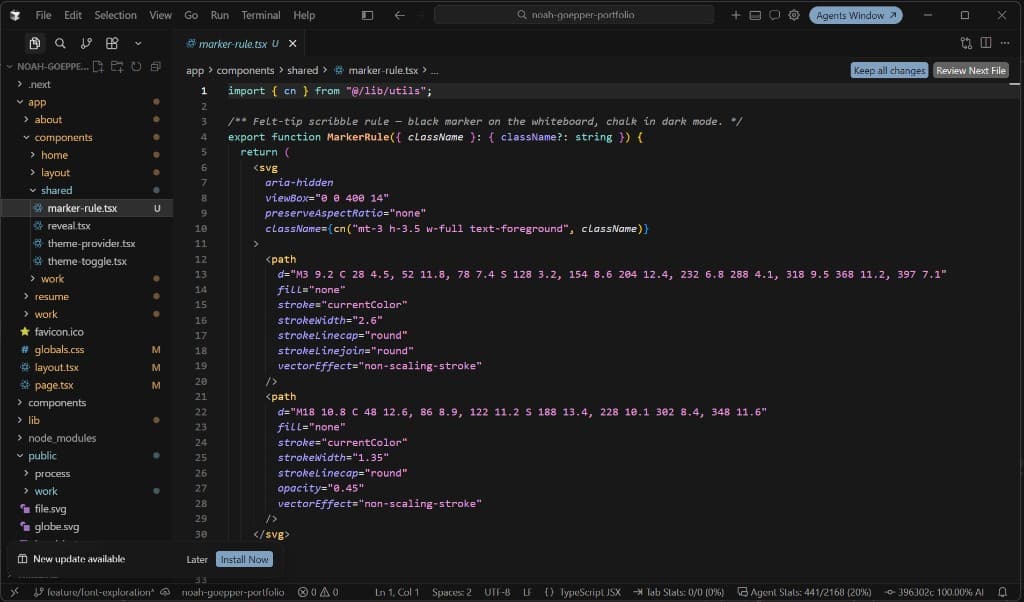
I built ThoughtRipple in Cursor. The public site, the dashboard, and the editor started as a feeling, then became a Next.js app. I’d describe the next piece — a table, a checkout, a webhook — then try it, and keep going until it felt right.
Linking Supabase
The app needed a real backend, not a mock. I created a Supabase account first, then linked it to Cursor. Auth for accounts, tables for profiles and posts, storage for covers, and row-level security so a writer only sees their own work. The schema lives as migrations in the repo, so the database grew with the product instead of living only in a dashboard.
Stripe
Paid plans go through Stripe. Starter and Pro, a hosted checkout, then back to the dashboard. That part is straightforward. Stripe doesn’t write to the app on its own, though. I set up a webhook: when someone subscribes, upgrades, or cancels, Stripe sends an event to a Supabase Edge Function. The function checks the signature, then writes the subscription into Supabase so the dashboard already knows the plan when they land.
- A new checkout writes the plan into Supabase.
- An upgrade, renewal, or failed payment updates it.
- A cancel lands too, so the plan you see is the plan you have.
GitHub, hosted on Vercel
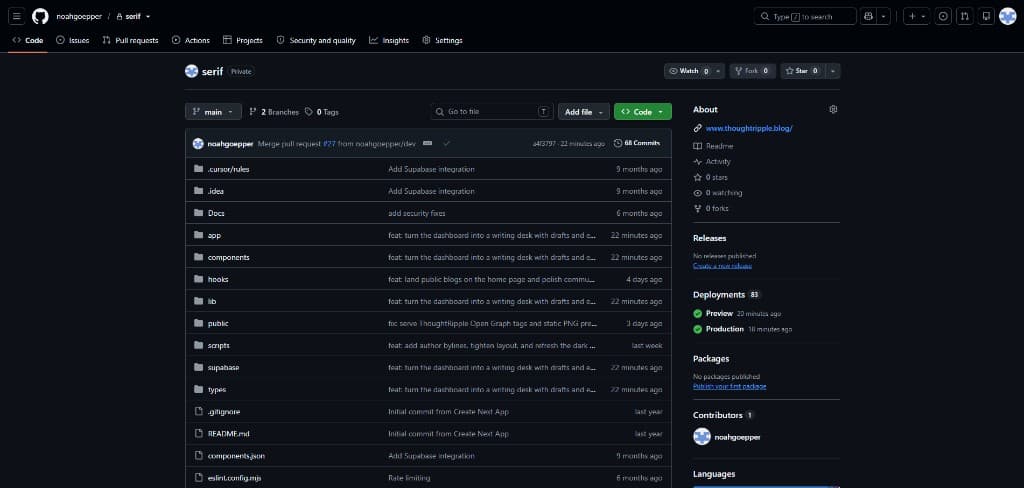
The code lives on GitHub. Vercel hosts thoughtripple.blog. I push, and it’s out in the world — the same app I had been shaping.
Step 5 of 7
Test
Use it like a person
I used it myself, and I asked a few friends and family to try it too. What came back wasn’t a score. It was where they tapped first, where they hesitated, and whether a published post actually felt like something you’d send.
Menu
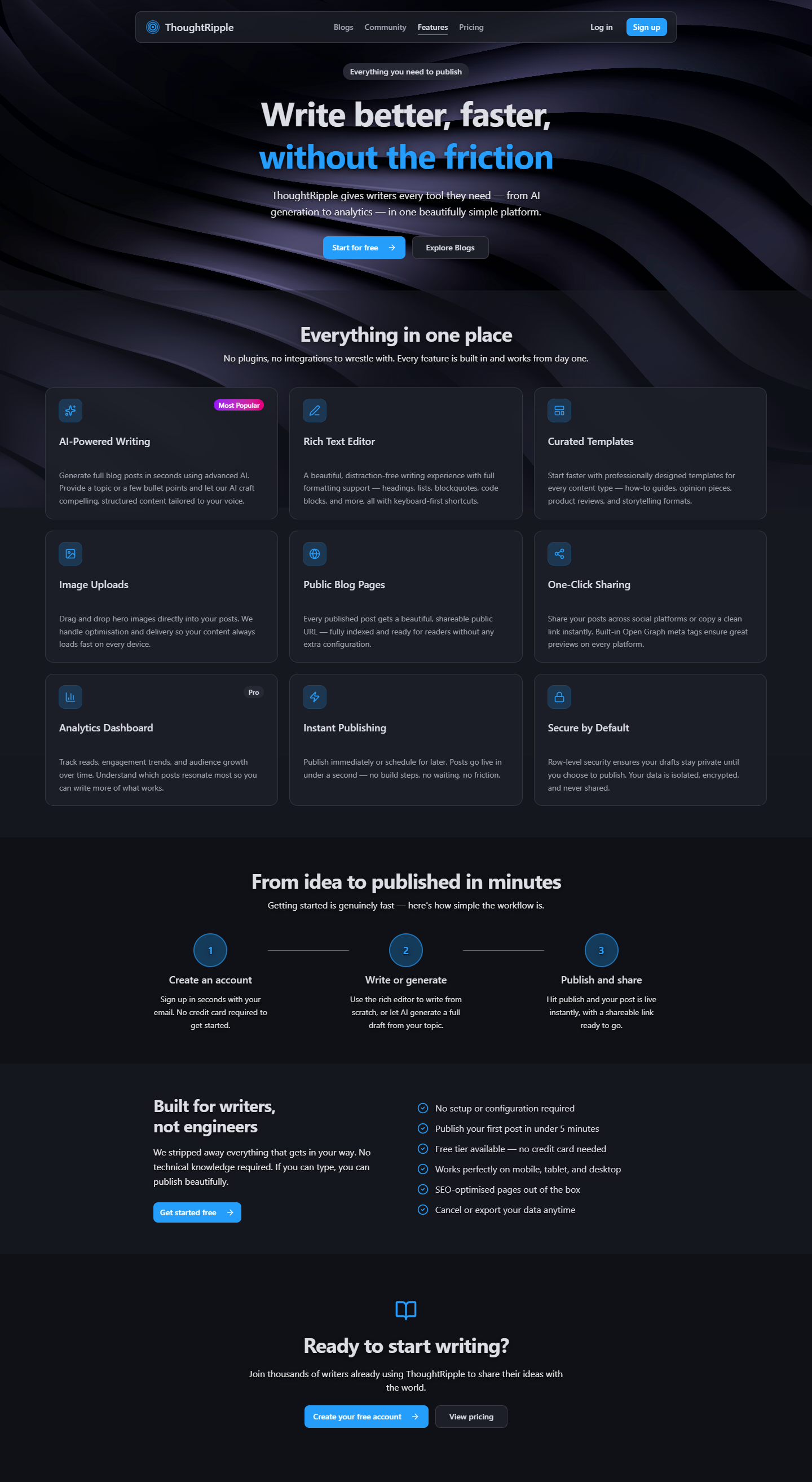
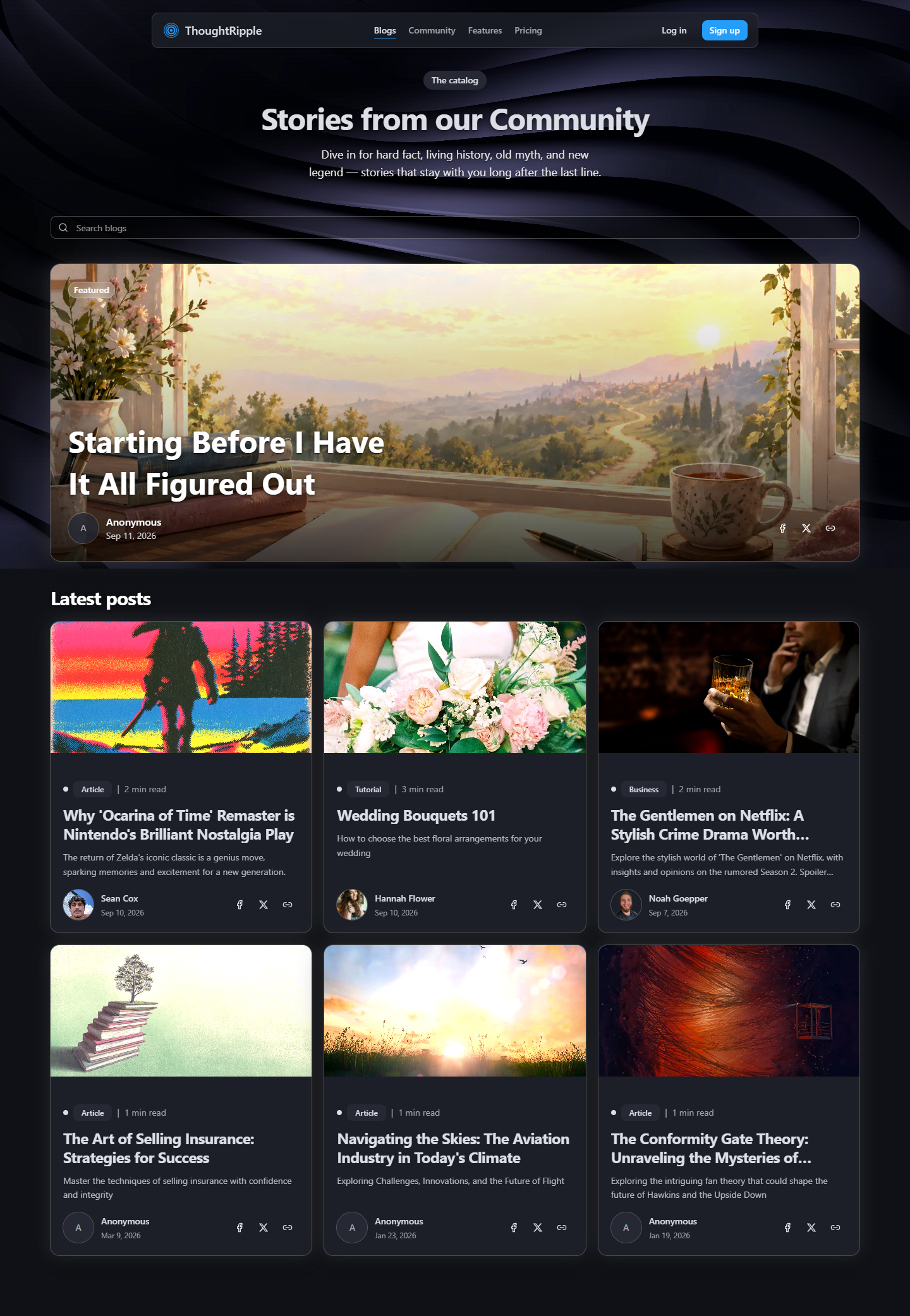
Public site
People looked for the price before they looked for features. The home page landed better once the promise sat up top and real posts weren’t far behind. Opening a live story was the moment it clicked — that’s when it felt like a place, not a pitch.
Same product on a phone
Almost everyone opened it on a phone first. Sign-in needed to be easy to find. Long pages were fine, as long as the next step stayed close — a story, a plan, a way into the desk.
Home
Dashboard on a phone
Writing on a phone is a different mood. The menu, the editor, chat — they feel better stacked than squeezed. New Post had to be the obvious move, or the desk went quiet.
My blogs
Arriving
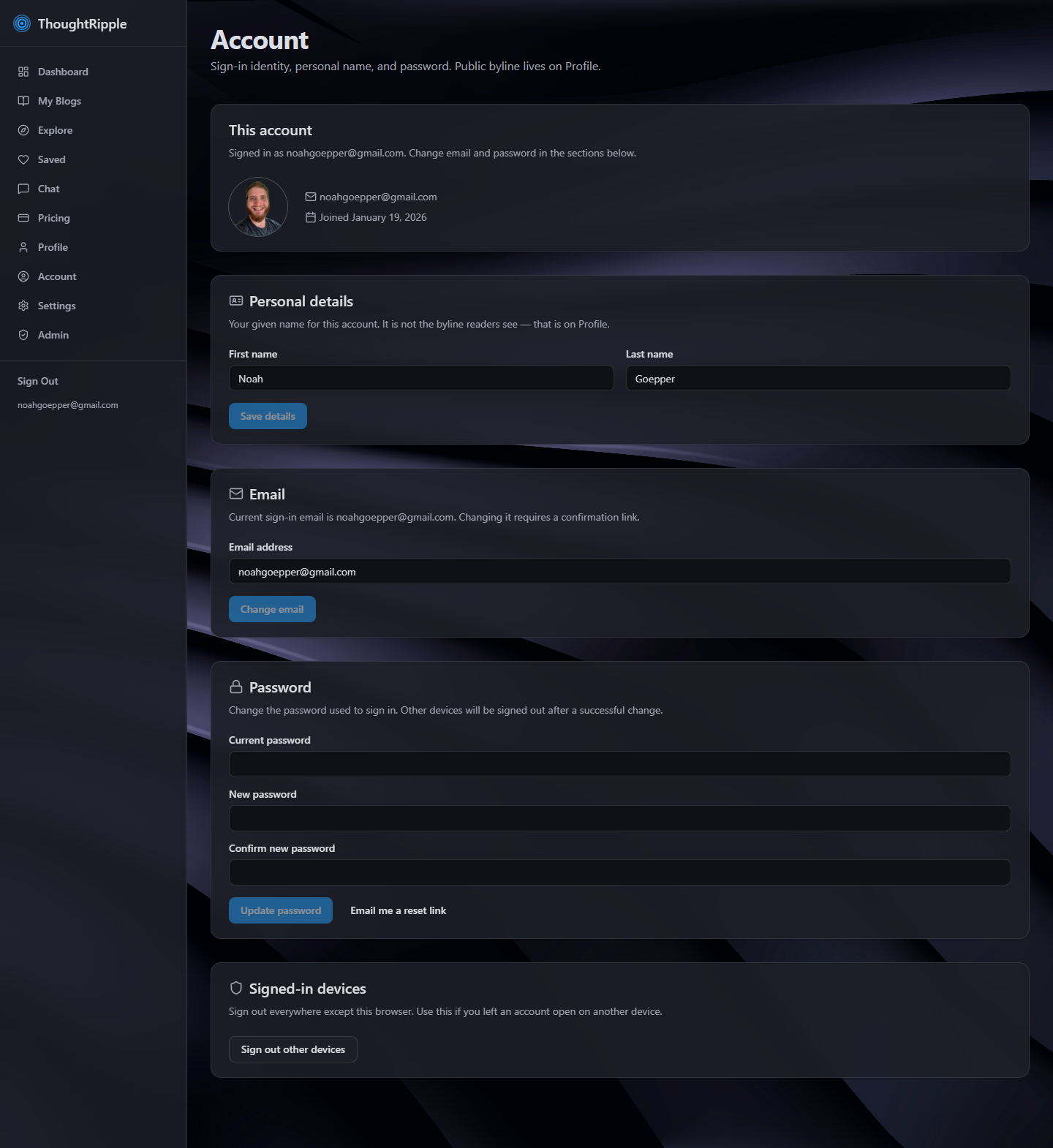
Account, email, and checkout are where trust lives. If those felt fussy, people never made it to the desk. A short welcome email helped. I still try a change on my own phone before it goes live.
- Arriving should feel as calm as writing.
- A plan you can see, and change, without leaving the desk.
Step 6 of 7
Launch
It’s live
ThoughtRipple is live at thoughtripple.blog. Come sit down and write.
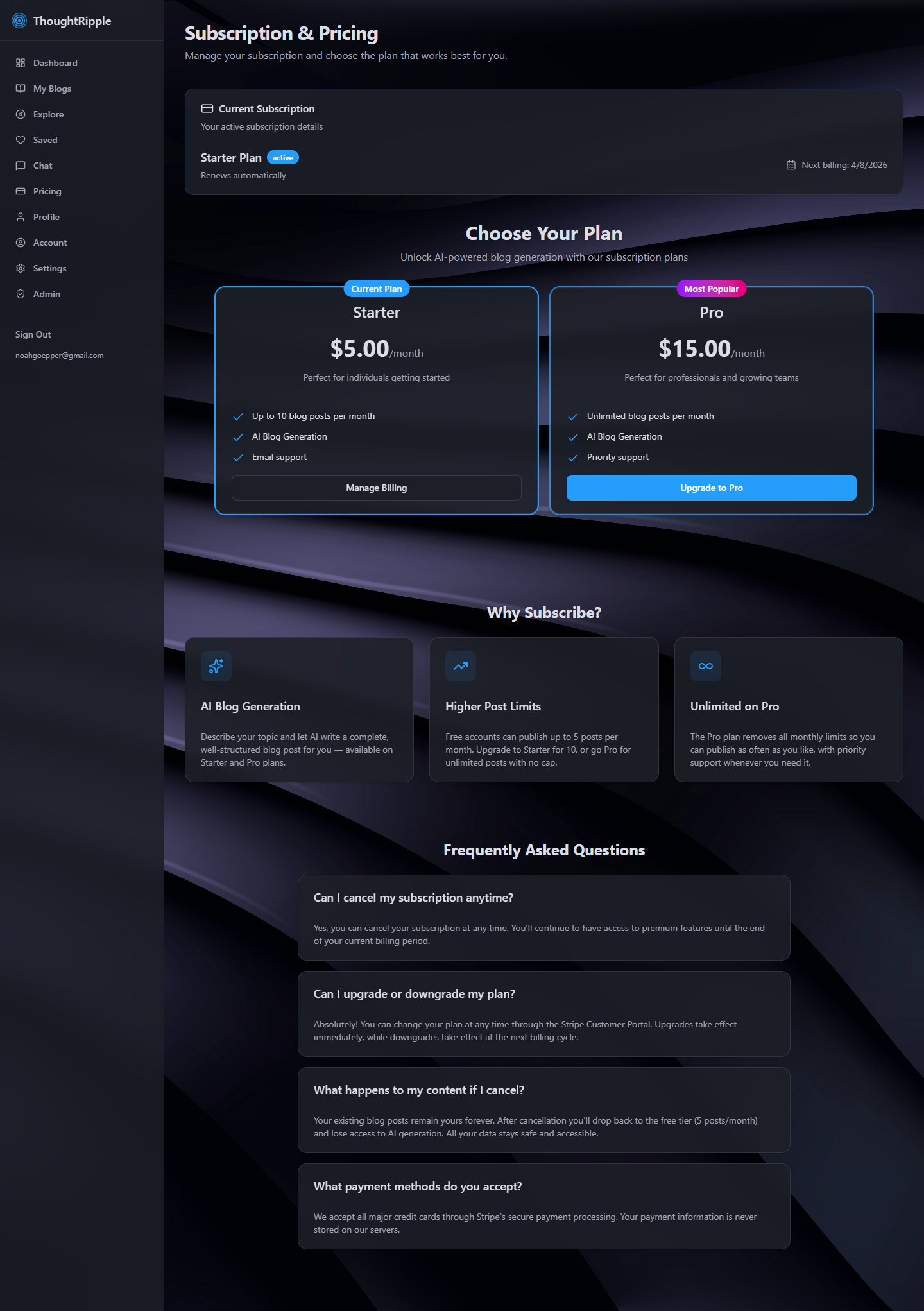
Your plan
In the dashboard you can see the plan you’re on and manage it through Stripe. Quiet on purpose — so you can get back to writing.
What I’d love next
I’d love to grow the editor — more ways to shape a piece while you’re in it, the kind of tools that make a long sitting feel easy. When a writer sits down in ThoughtRipple, it should feel like home. Not another box you visit. A desk you stay in.
Step 7 of 7
Learnings
What this taught me
This is the first product I designed and built all the way through — from a feeling to a live site. I did the work in Cursor: describe the next piece, try it, keep going. That’s where I learned what UX engineering actually is. Not just screens. How the screens, the account, and the thing people open in a browser stay one product.
I was the project manager too. Solo doesn’t mean there’s no one holding the thread. It meant deciding what to build next, when it was good enough to show someone, and when to ship. That part taught me as much as the pixels.
Along the way I found tools I hadn’t lived in before. Supabase for accounts and posts. GitHub for the code. Stripe for plans. I didn’t know the insides when I started. I do now — enough to wire them, enough to keep building.
- How to sit in Cursor and actually ship.
- How to run a project when you’re the only one in the room.
- The ins and outs of UX engineering — auth, a webhook, a layout that works in a pocket.
- How to take a feeling and make a home people can write in.